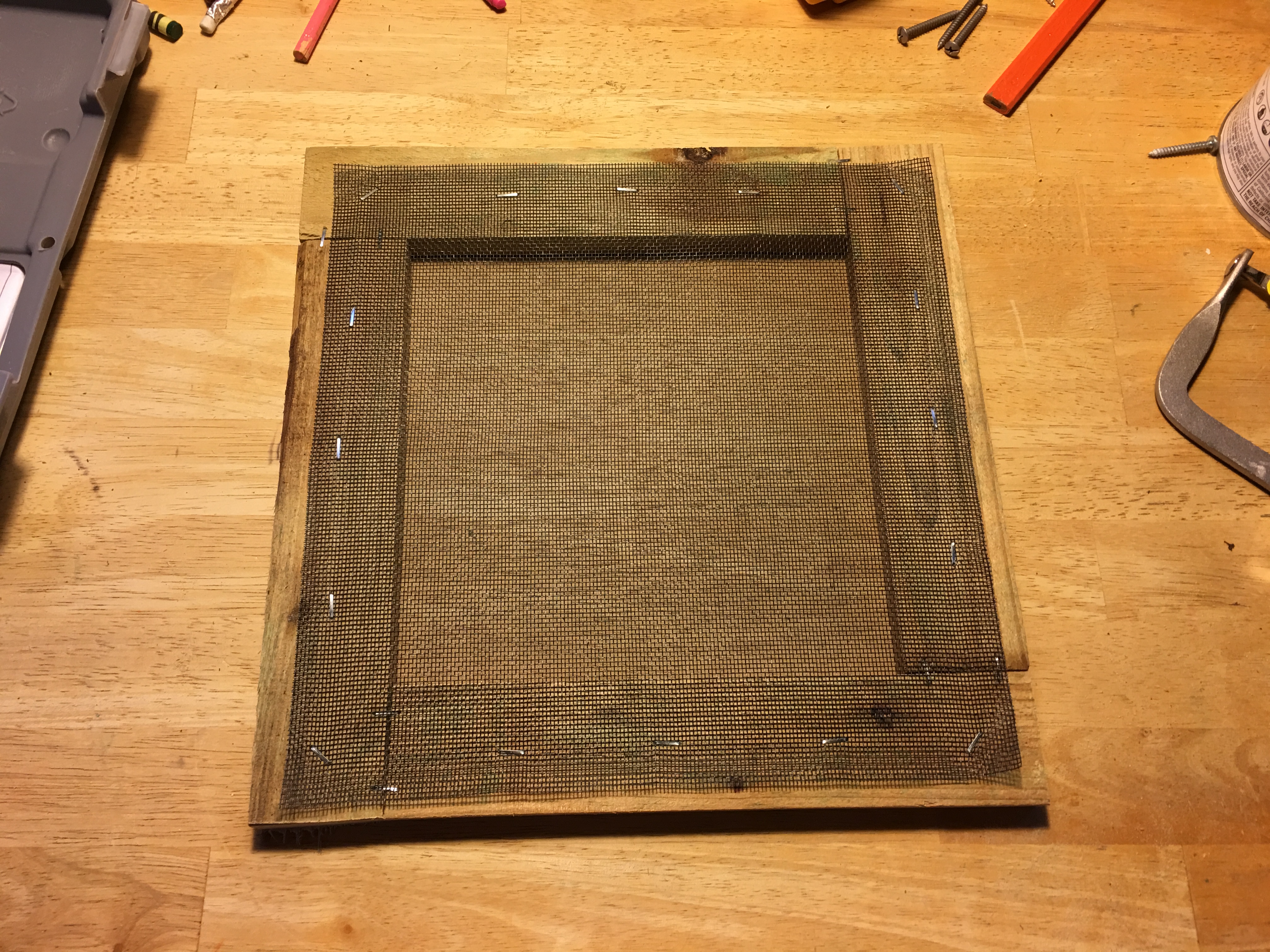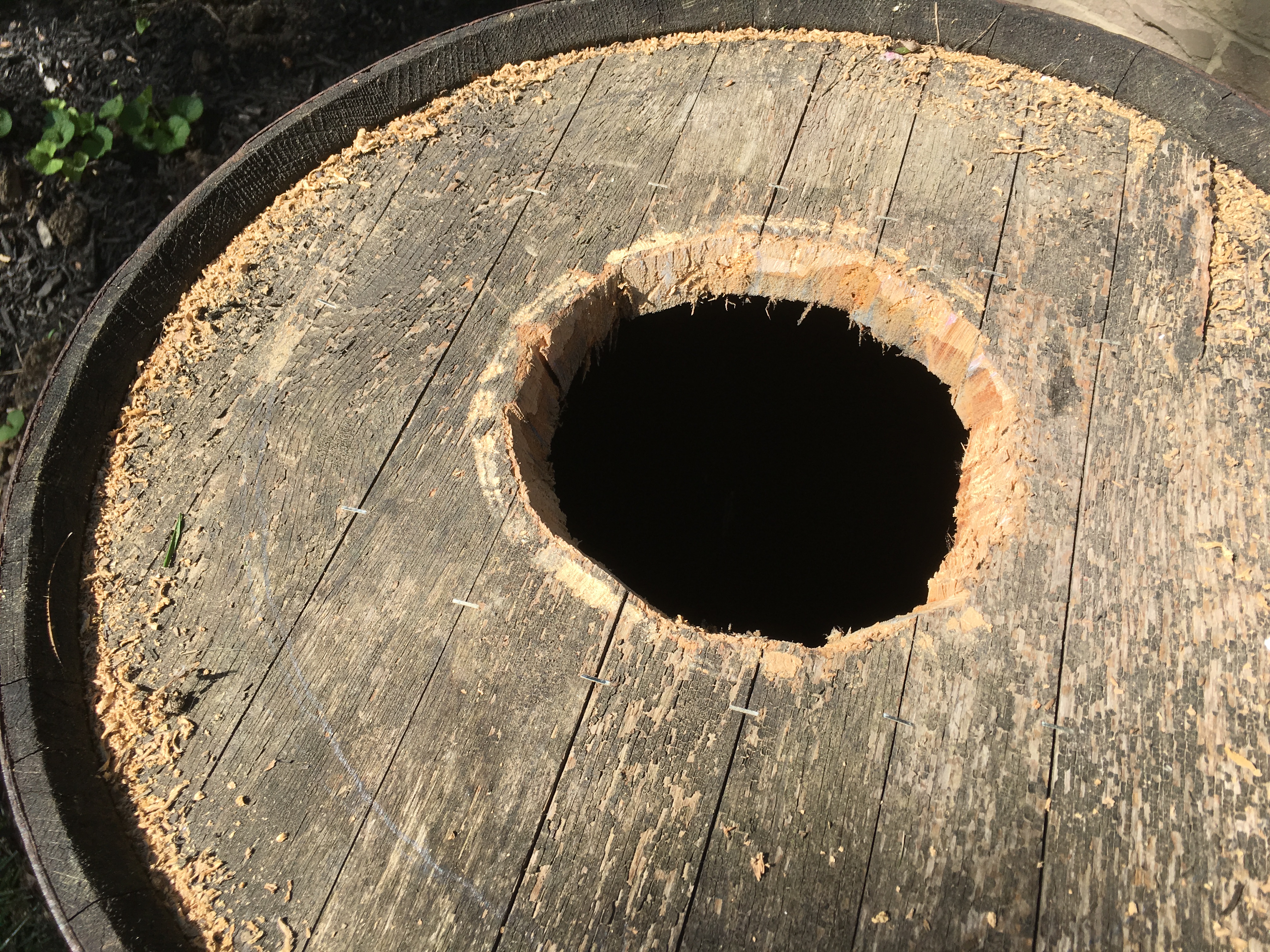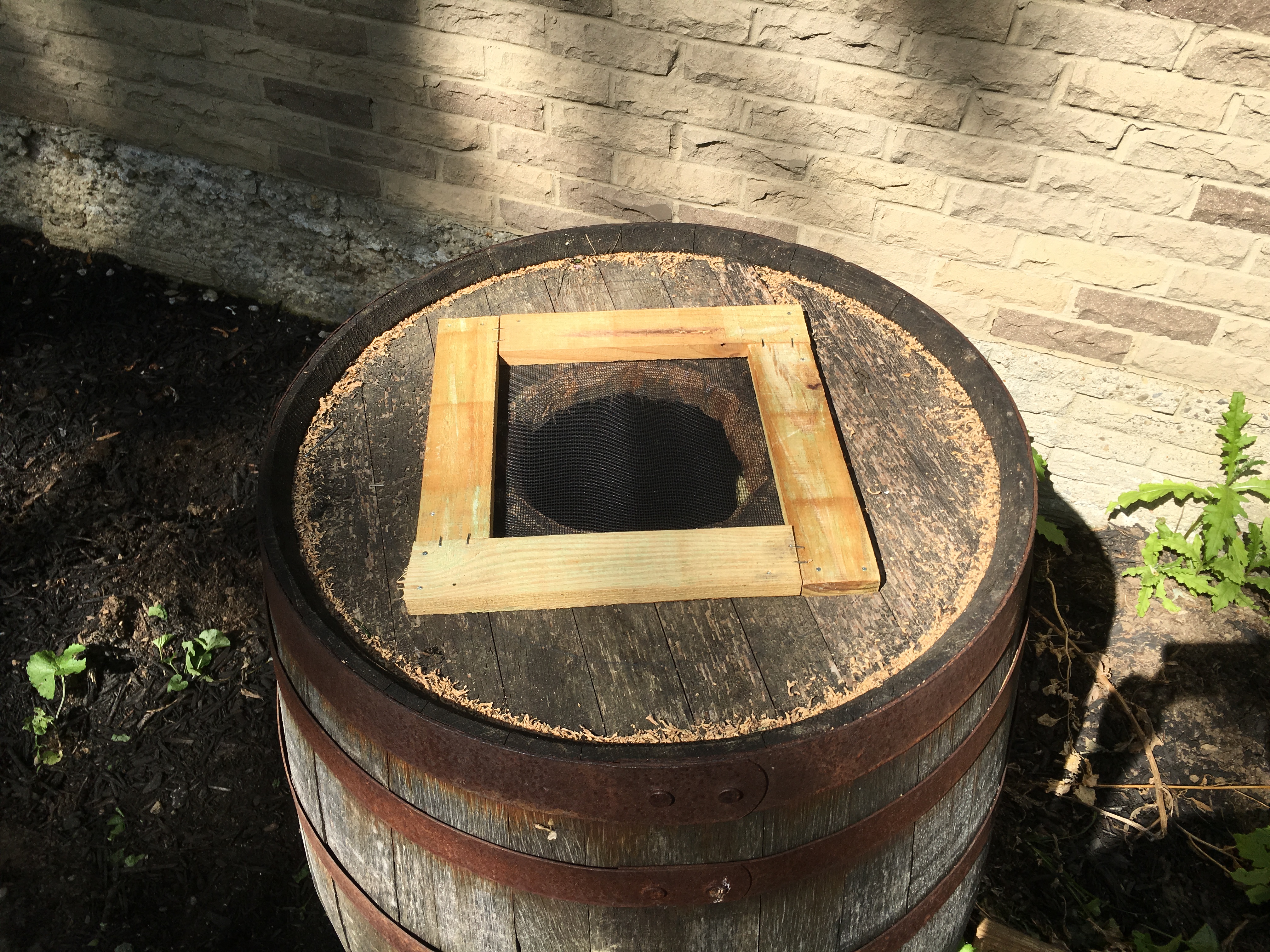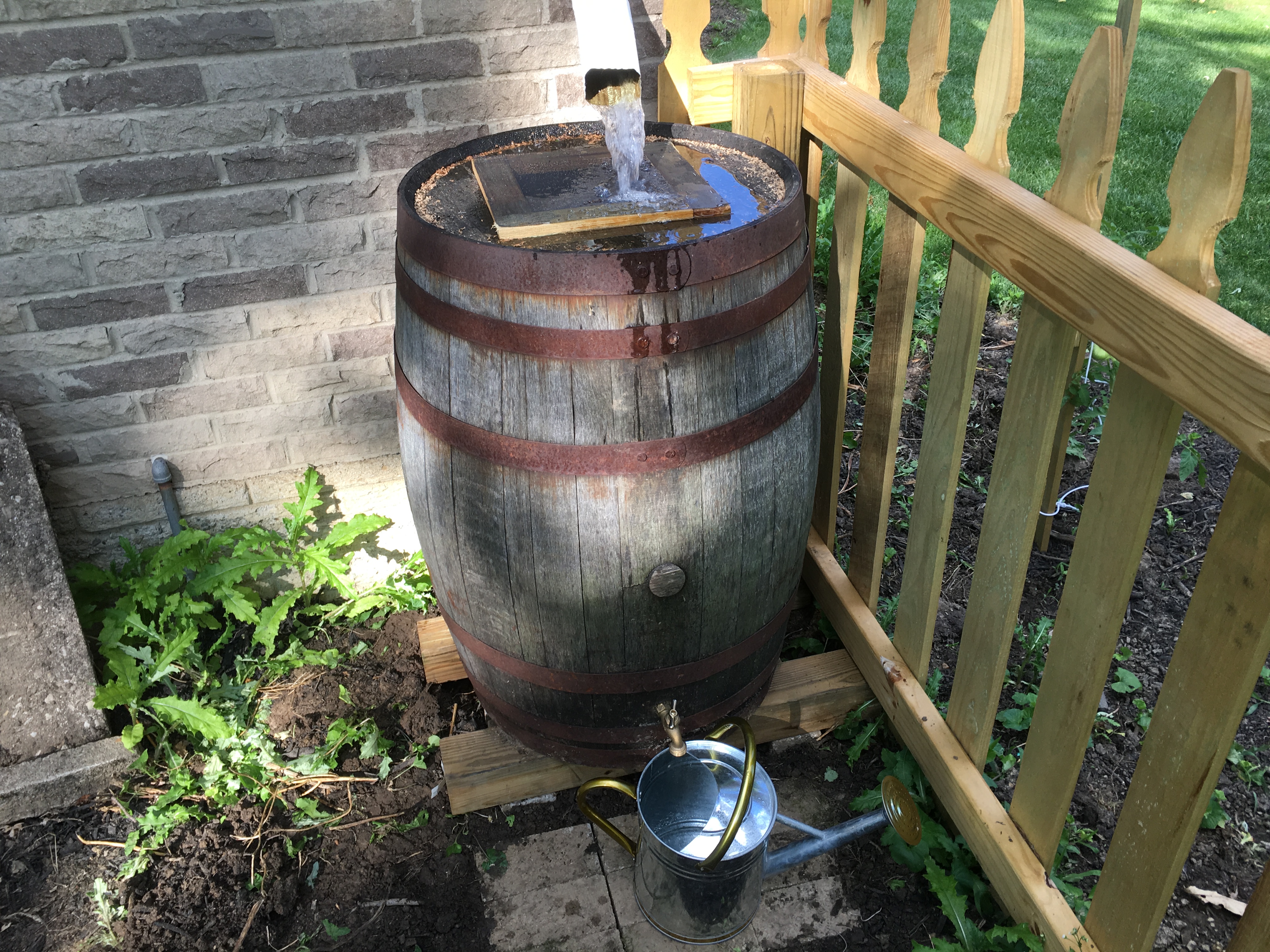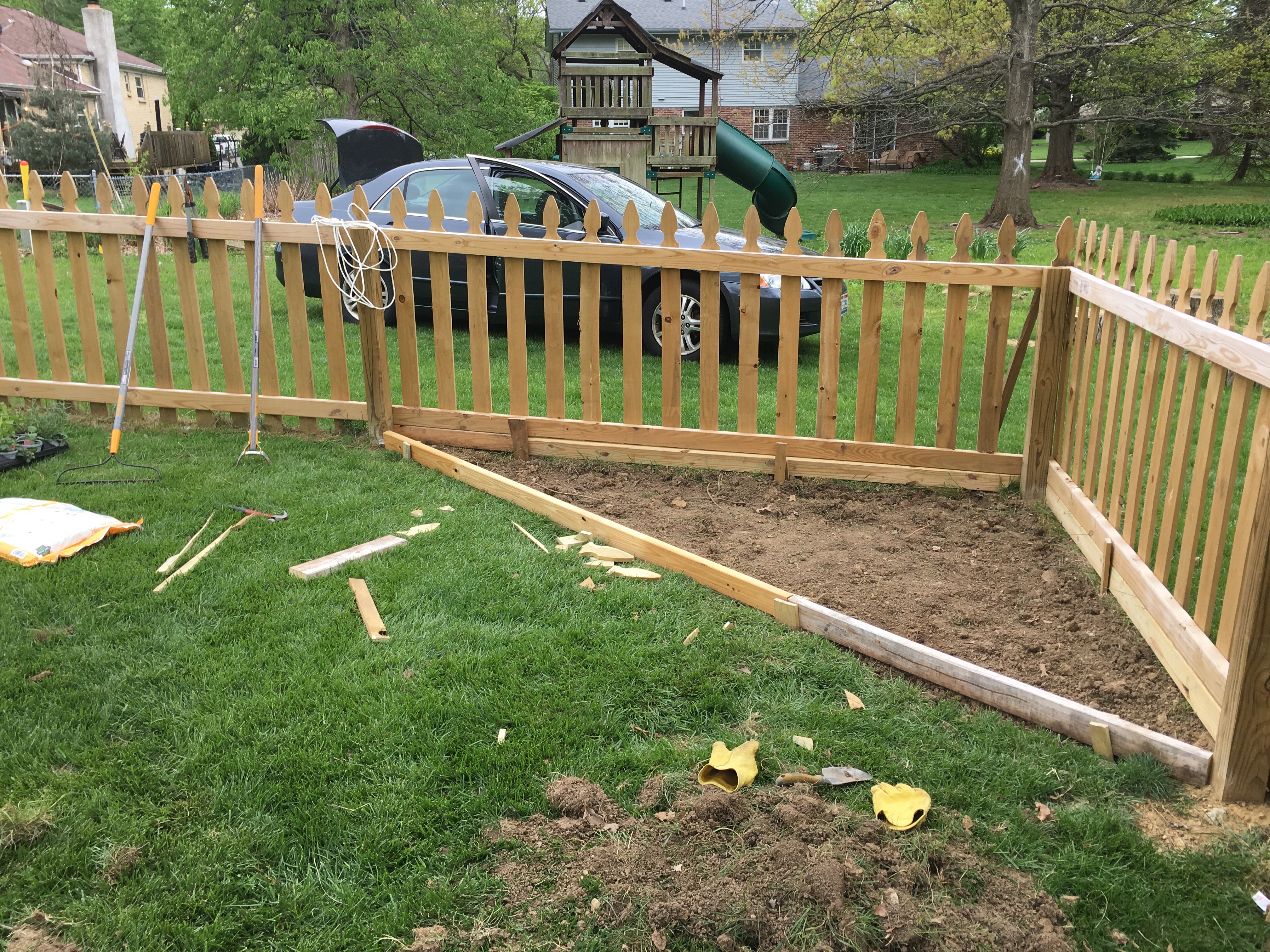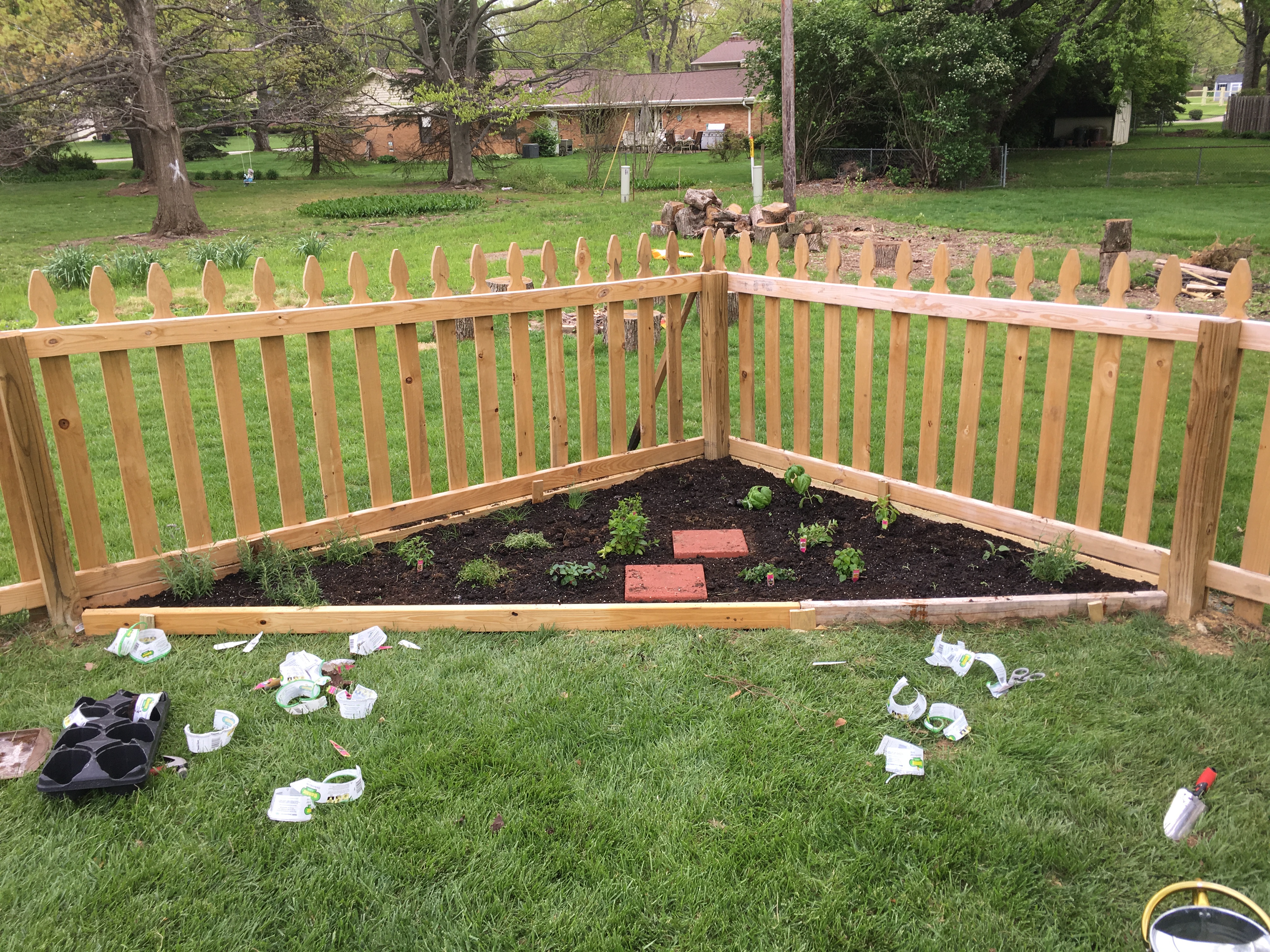
Well, a drainage ditch anyway. If you’ve talked to me about the house at all, then you’ve most definitely heard about the drainage issues, or rather, the complete lack of basic drainage. See the Get Off My Lawn! series. The former owner, in her battle against a flooding basement, paid to have it trenched and a sump installed. After purchasing the house, I’ve since extended downspout drainage, and the sump has remained dry ever since.
Until recently. We had a very dry summer last year, and it didn’t give me a good baseline with which to predict future water problems. This spring has seen a lot of water, and now the sump is running. This in itself of course isn’t a problem–the water is being handled dutifully by the pump. Outside, however…
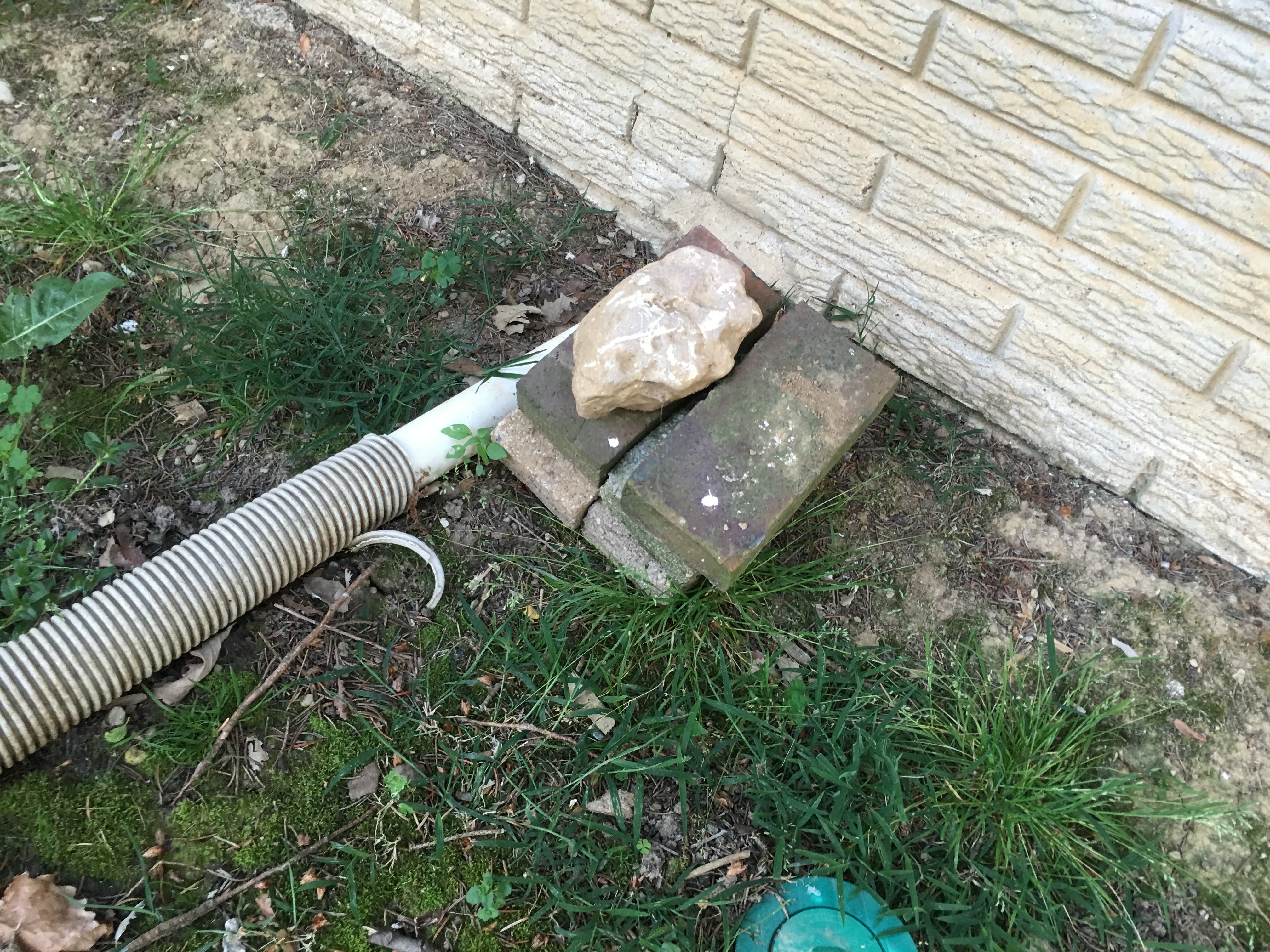
Someone had retrofitted a vacuum hose to the outlet. Again, effective, but incredibly ugly. And then the kid played with it and cracked it, rendering it useless anyway. Now, with water pooling against the foundation, my hand was forced. It was time to finally address this eyesore.
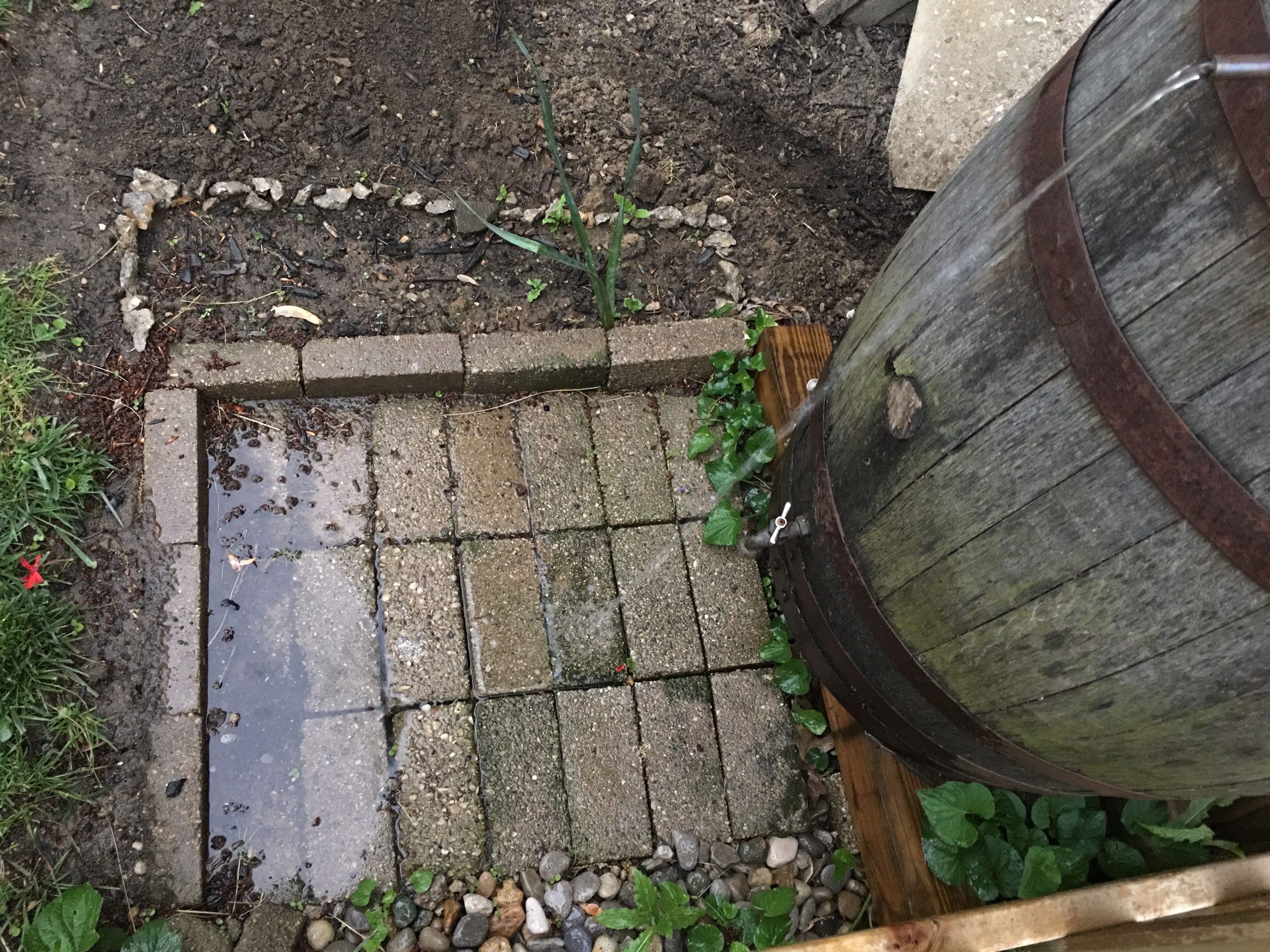
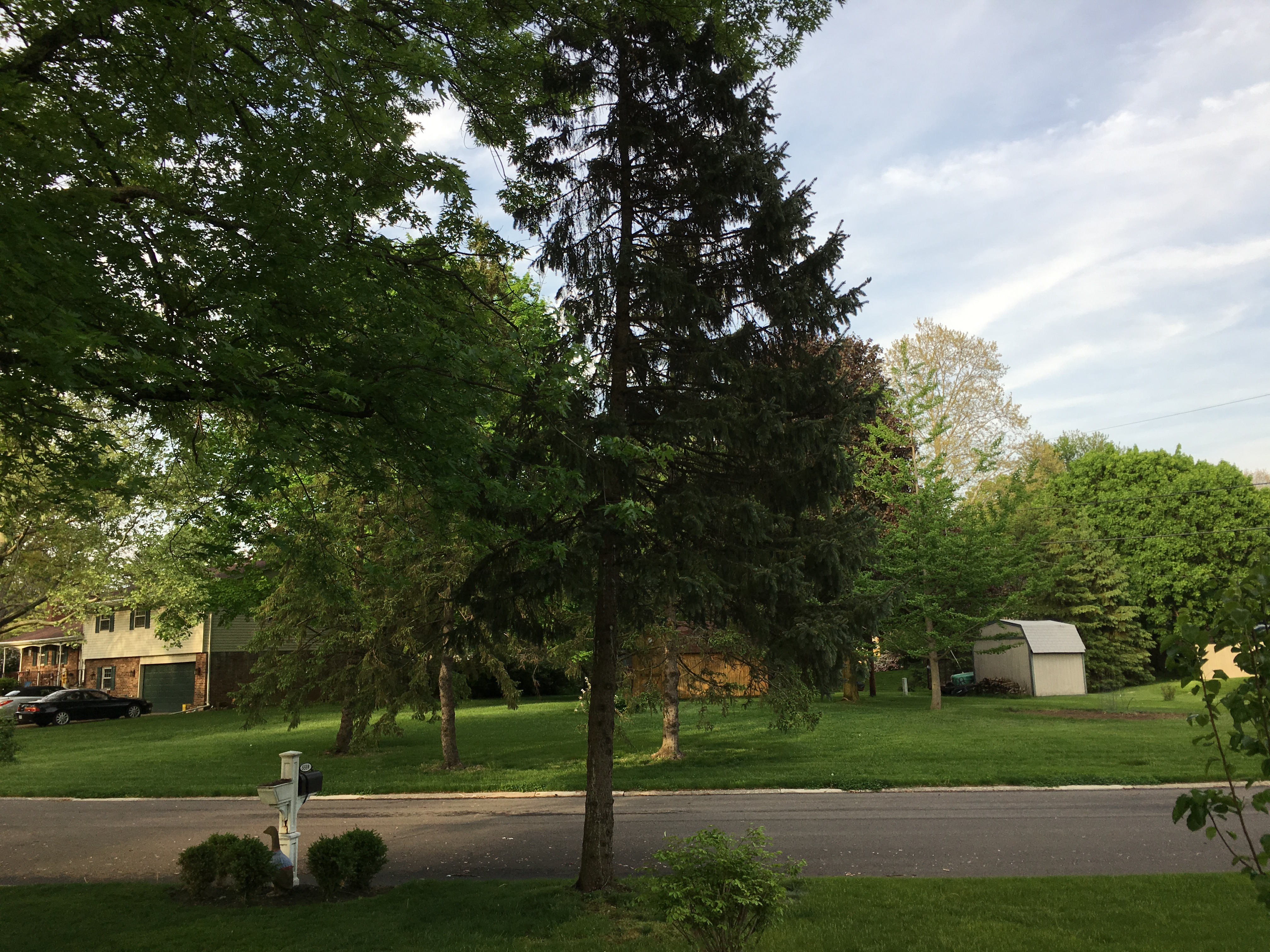
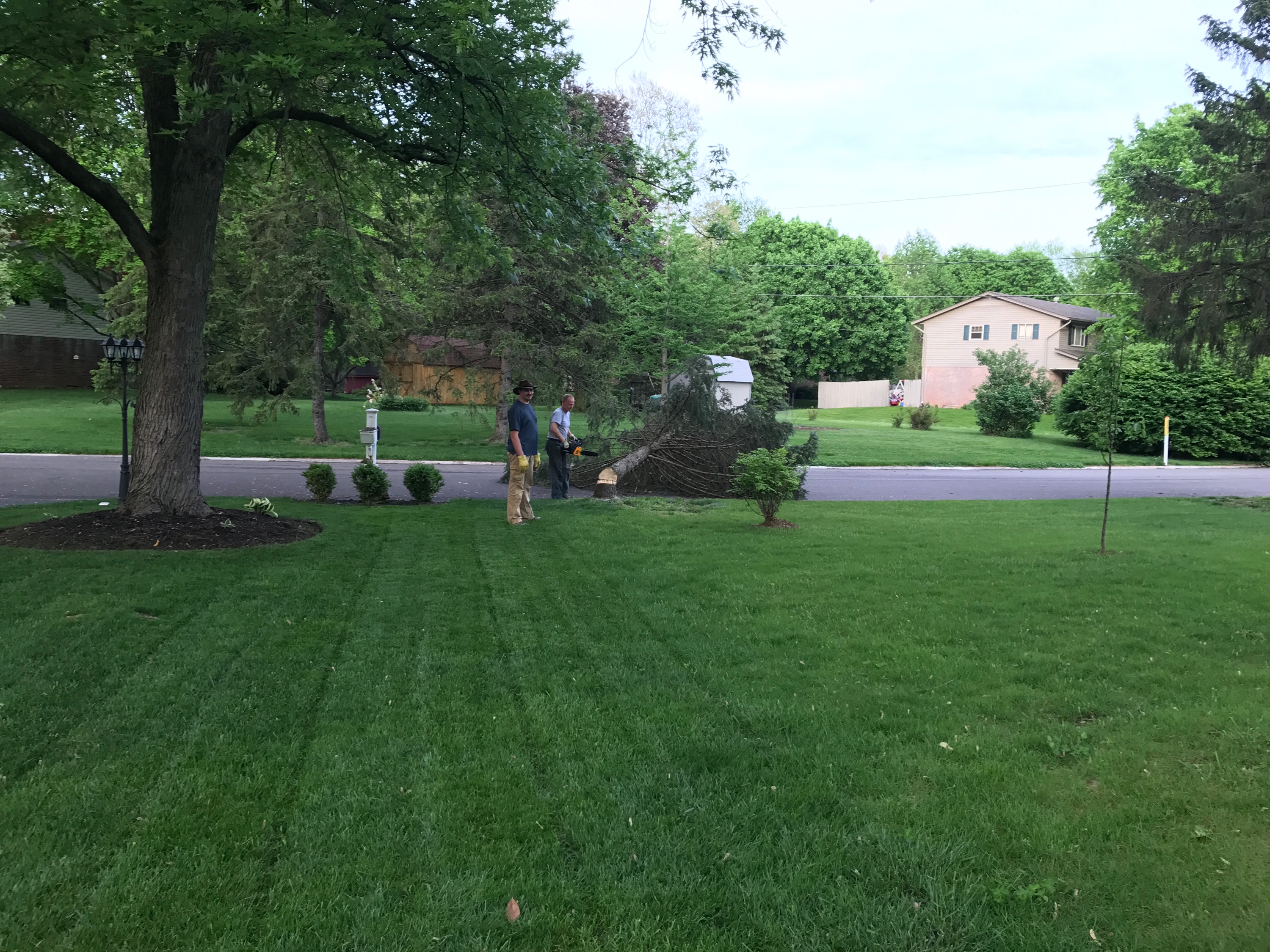
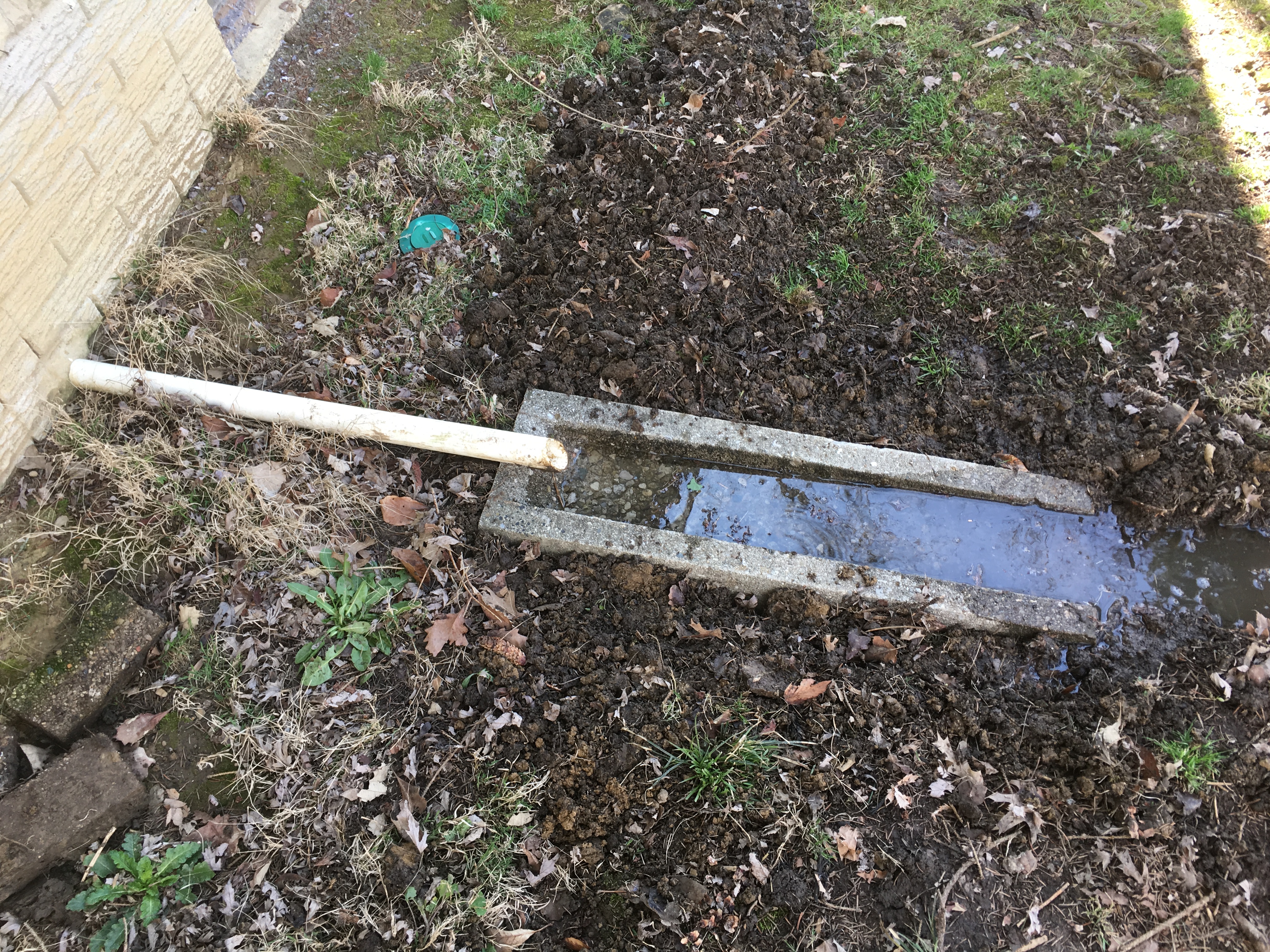
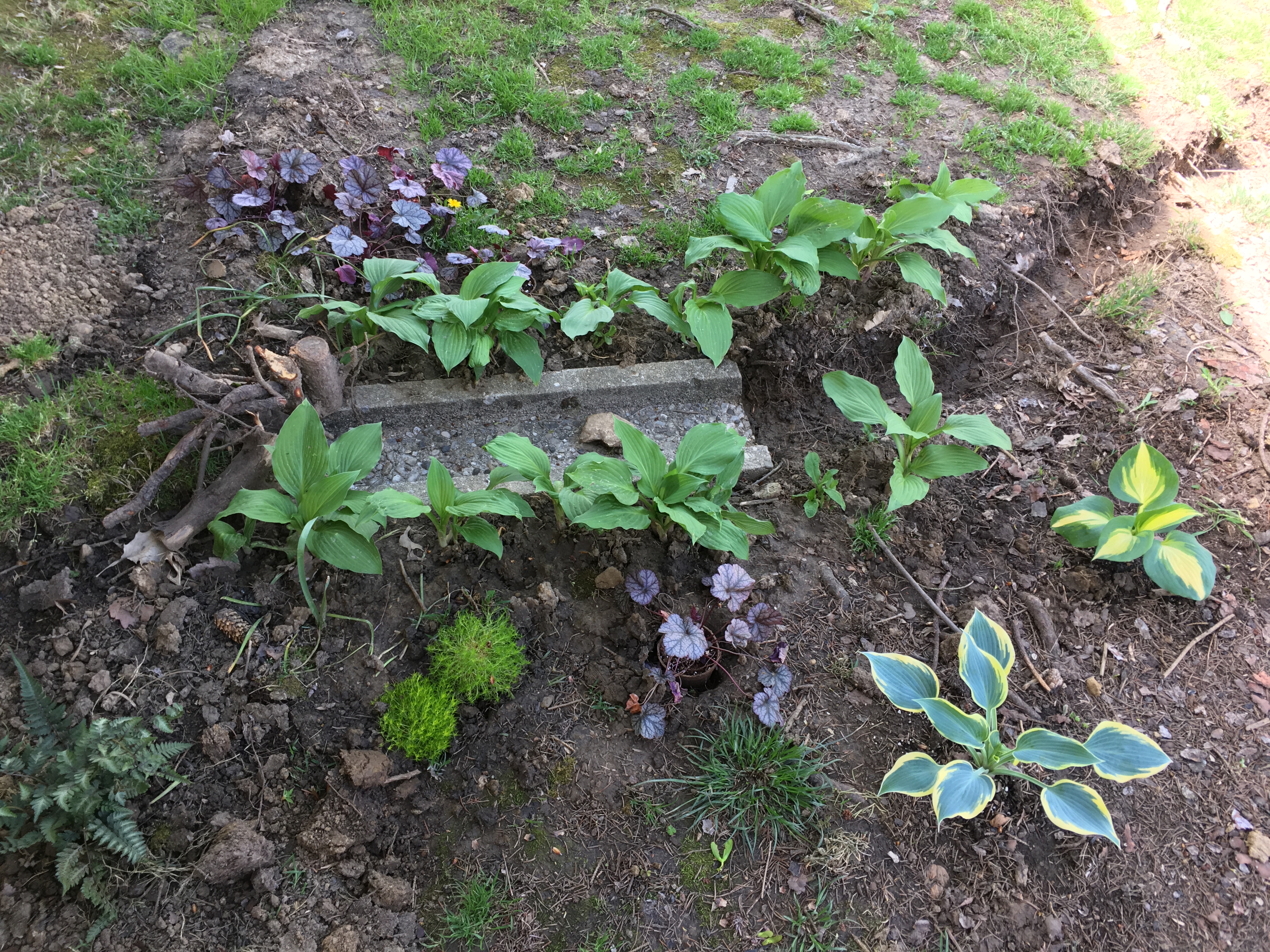
This is the ENE side of the house, under a pine tree. These factors limit my planting options, but it does make a good candidate for a shade garden. First though, I needed to trench. Re-purposing a concrete downspout extender, I could immediately channel the water about 4 feet.
But, this was still rather industrial and ugly, and tended to back up (the sump pump probably spits out about 3 gallons whenever it clicks on). I needed a longer trench and ornamentation. Mattock, shovel, axe, and reciprocating saw all contributed to the project (damn roots). I then buried the pipe, planted the hosta which we saved from the apartment (split apart), added some ferns, purchased more hostas, and voila:
I now have the beginnings of a respectable shade garden, and effective sump drainage. Plus, the mason bees really like it. I like those bees, they’re cute.
Over the weekend, Liz decided to begin her front garden project. The edge of the narrow front yard, terminating in a mailbox and pipeline marker, looked very inelegant. And I agreed with her assessment. I hate that ugly marker.
But, there isn’t much I can do about its mere existence. I imagine removing it would be in violation of some statute regarding the easement, and since the BP contractors have so far been very reasonable with us, I’m opting to not jeopardize our tenuous non-aggression pact. So, the pole stays. Other than that, the only restriction was to not plant trees on the easement. But we got an official okay for anything bush size or smaller.
16 tons…
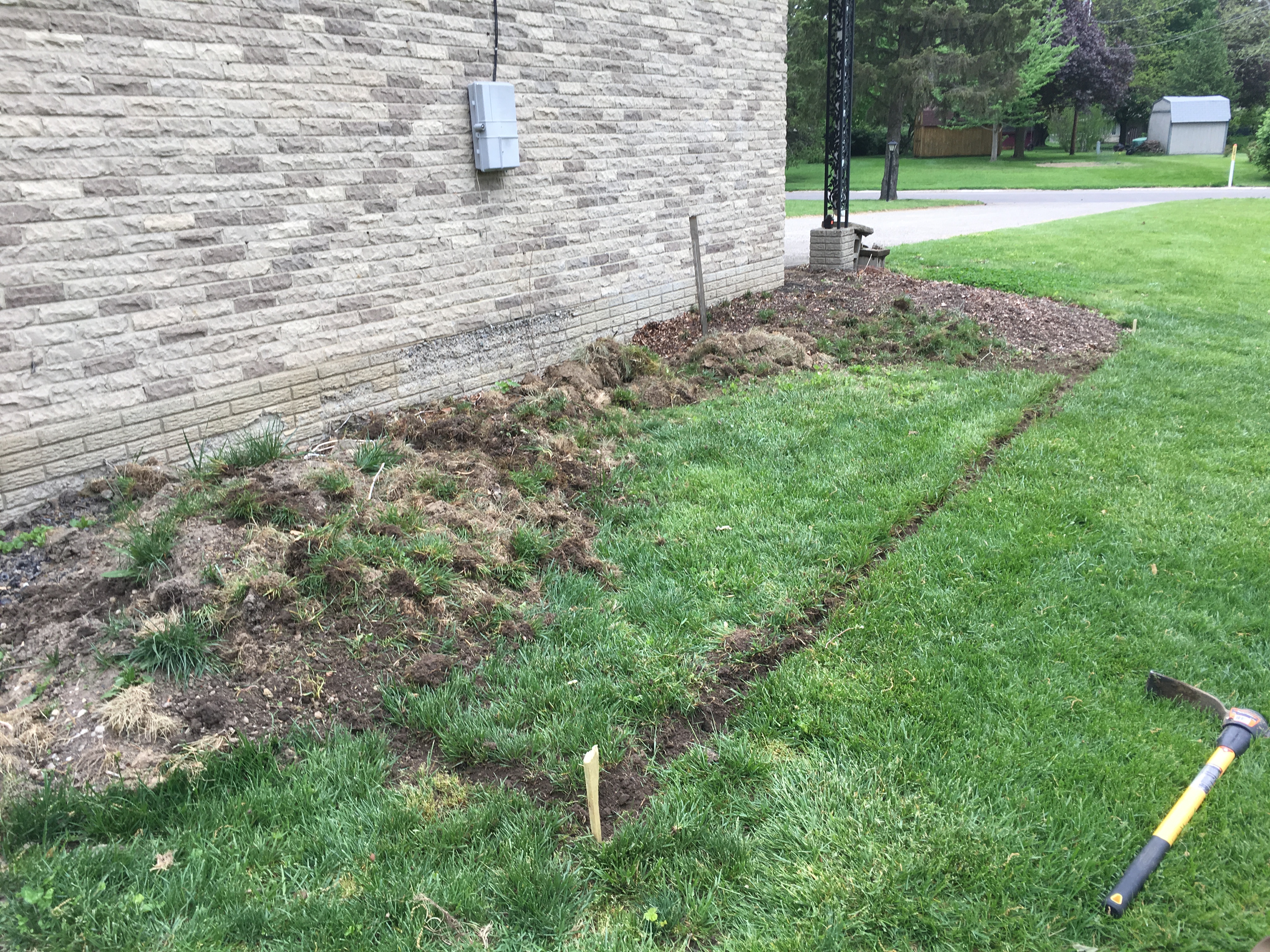
I’m no stranger to removing sod, but this was the hardest yet. I swear the roots were a foot deep. It may not have been virgin prairie, but I’m pretty sure this grass was here since the 60s. The soil also has just enough clay that the roots wouldn’t pull free–rather they had to be cut. Ultimately we had to dig up the sod with a shovel, then shear off the dirt and bottom roots with a stirrup hoe. An hour into the project, Liz rethought the garden’s size. It did give me an excuse to segue into a discussion about how pioneers on the Great Plains constructed houses out of sod though.
In the end, tenacity won out, and garden we had. Now filled with acquisitions from the perennial sale, and some annuals from the indoor grow light experiment, we have enhanced the aesthetics of the front yard, and hopefully, detracted from the glaring prominence of that stupid pole.
If I grew a vine on it, it might look like decoration
Henceforth, it shall be know as the Easter garden.
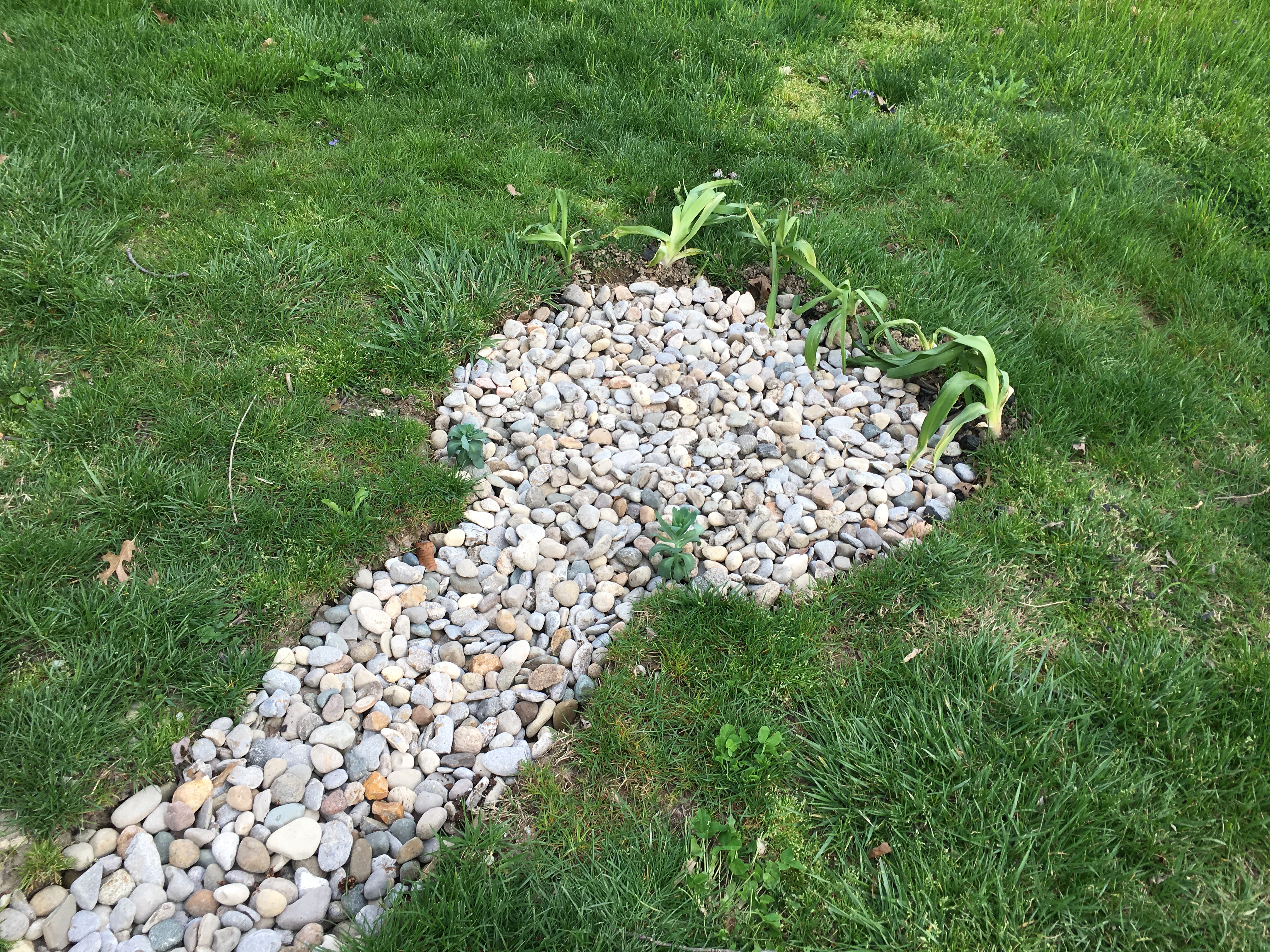
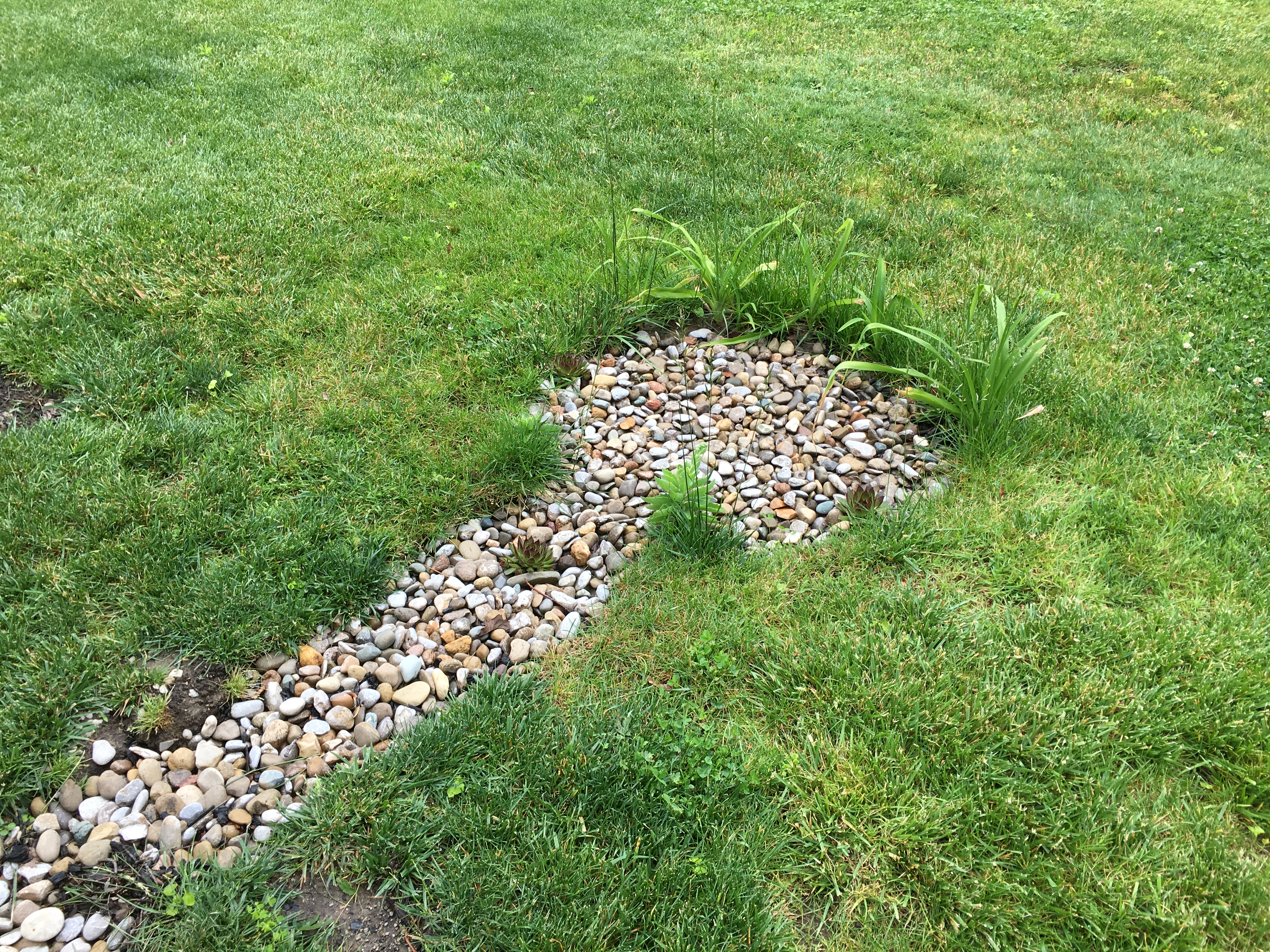
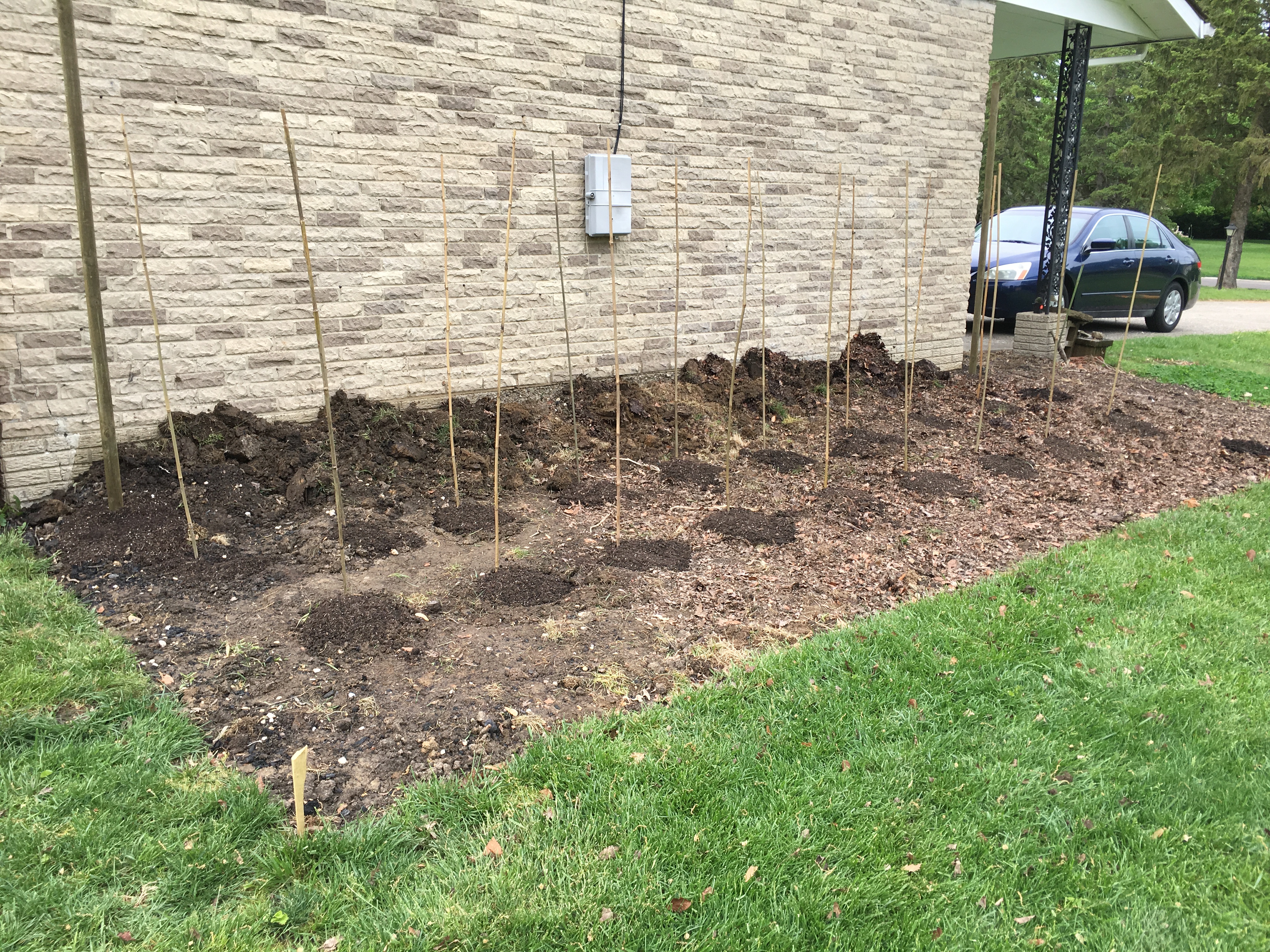
Work continues on the rain garden–a project whose purpose is ever-more apparent with the recent downpour. With the ugly gravel pit juxtaposed to the greening lawn, and the last frost date looming, I completed some preliminary additions.
I’m assuming that the garden’s flood/drought cycle will make it perfect for succulents, and as they were already bursting at the seams of their peat pots, I indulged their eagerness and buried the pots in the stone. Also, I relocated some volunteer tiger lilies, which were wedged against the house’s foundation, predicting that they were hardy candidates for repeated flood cycles. Now, again I wait.
As nice as a pit of gravel looks, I do have loftier plans for the rain garden. In the short time since I dug the trench, deluges of rain have already eroded meandering rivulets through the lawn as it slopes towards the neighbor’s yard. This, I note, will need to be addressed long-term, as looking outside I can see that his yard is flooded (although I don’t think I’m the sole cause of it). Amusingly, as if through divine grace, the pond which has collected thoroughly respects the property delineation, defying the normal expectations of water as there doesn’t seem to be much variation in elevation back there. Surely it’s some form of retribution for his throwing fireplace ashes onto my side, or because his kids use my yard as a highway (see the first post of this project). Thank you, universe.
It is for these two reasons: aesthetics and drainage, that I intend to plant things in this rain garden. But what? I could consult my family and their collective expanse of natural science degrees, or I could needlessly peruse the opinions of those whose experience and education level I have no way of verifying. Surely the latter was the better option.
It’s like a dandelion, only cooler
But first, let’s revisit an earlier time, when we had first purchased the property. Being the former home of an elderly woman, the yard and gardens were somewhat neglected. Well, they still are, but I’m getting to it. Anyway, the gardens immediately adjacent to the house and deck were hastily made presentable for showing by someone throwing down inches of mulch. I’m not even certain there were gardens, as every time I dig in one of them I hit concrete and bricks. Three things survived this onslaught of woody biomass: a series of yew bushes, nightshade, and some mystery ugly woody plant that I figured for a weed. I’ve since then ripped out all the nightshade for obvious reasons, once my daughter exclaimed in delight that there were miniature tomatoes growing (however taxonomically accurate–her extended family would be proud). But I didn’t get around to the woody plant. Then winter came and it went to seed. It produced these very interesting looking pods, which my wife harvested and brought inside, mentioning a future arts and crafts project.
Fast-forward back to the present. Ultimately I decided native plants would be the hardiest, and I also wanted plants that would double for a butterfly garden. And what do monarch butterflies like? Milkweed of course, and there it was on the list of native plants appropriate for water gardens. And, my sister had included it in her doomsday gift to me–I mean birthday. It’s a cool gift, though it does kind of looks like the starter kit to a seed vault in my basement (20 different strains of squash, for example). Family was always very important to her, and here she is looking after me for a future apocalypse. They’re also meticulously labeled, consistent with the strain of OCD that plagues our genes (I’ve since catalogued all the seeds in a spreadsheet).
And so, with all the dramatic flair that one can assign to the task of dropping a few seeds into a pot of dirt, I dropped a few of the seeds into a pot of dirt. The next day I was browsing the internet instead of working and I caught a glimpse of an image of a milkweed plant. Specifically, I saw a milkweed seed pod and thought how familiar it looked. It wasn’t until later in the day that I realized the seed pods my wife had harvested were milkweed–the pods which I had ended up moving to the shelf on top of my indoor grow lights, right next to the box of all the seeds my sister gave me.
Milkweed in the winter
Now I debate: was that weed in the garden really as ugly as I remember? It’s only a stick right now so I can’t tell. But it seems pointless to plant milkweed when I already have it growing. Maybe I’ll transplant some jewelweed instead.
WiFi sucks. I mean, it’s awesome, in theory, but it kinda sucks, though I can’t think of an appropriate metaphor to explain why. Let’s say, it’s trying to take a drink from a sprinkler when a crowd of people are all gathered around it and fighting. Now let’s compare that to, say, a water tower, where everyone in that same crowd gets their own spigot. Everyone attaches a hose, and everyone’s happy. This latter explanation is wired Ethernet.
Okay, that was a horrible explanation, and I hate analogies. Analogies are a means to add context to an explanation when parties involved don’t have the prerequisite knowledge, but they always end up sounding like a twisted politician’s manipulative words. Anyway, as with all technical explanations, there is no shortage of people on the Internet who can explain this better, so go Google the background information if you need. As usual, my post is anecdotal, because, overly-researching a project adds to the complexity, which tends to dissuade me from even attempting it. So instead, I will simply tell you that the following project is reasonably straightforward and even an amateurish attempt will reap huge benefits.
With WiFi, you have a much more restrictive set amount of bandwidth, and that bandwidth is shared by all devices on that particular hotspot. But wait–it gets better. That hotspot is also sharing that particular range of radio spectrum with every other hotspot in range, and any other device licensed to operate within that spectrum, which is just about every wireless consumer appliance. So in practice, the general throughput you could ever hope to achieve with a hotspot is roughly a third of the theoretical maximum. 1300 Mbps? More like 450.
A pretty commercial hotspot
Also, ironically, the main point of using WiFi is for mobility, and a major problem with WiFi is in its mobility. When the connected device moves, it experiences latency. When the device switches between hotspots on the same network, there’s a delay while it renegotiates a connection. In my house, in order to cover the property in its entirety, I have 3 hotspots. Adding to the complexity is the changing technology, while maintaining legacy support, so I have 802.11b-ac, on both 2.4GHz and 5GHz bands. And, while this is all done transparently, it still experiences delays. There are commercial products that claim to handle the transition better, as do consumer “mesh” WiFi products, and I’m sure they do, but you pay for it, and for consumer use I just don’t yet find the price point cost-effective.
Additionally, mobile devices also connect to cellular data service. That means, when roaming between hotspots, the device also has to to consider whether it’s going to connect to a new hotspot, or the cellular service. Quite often I walk from my living room to the garage, go to load a podcast, and the phone says something like this:
‘Oh, we’re walking out of range of that hotspot now, guess I’ll switch to cellular, hang on a sec. Oh wait! There’s another hotspot here, but I already started negotiating an IP from the cellular network. Okay, hang on a sec, I’ll connect to this other hotspot.’
Of course, this takes only seconds, but that’s enough of an irritation when in the middle of loading something to rouse ire. Plus, in my house, whenever the Internet isn’t immediately accessible for whatever reason, it’s my fault. Worse is when the connection drops while already involved in something. I pray every time my wife loads up a Destiny raid that the connection remains stable.
And sometimes, when a device boots or wakes from sleep, it can stall while deciding on where to connect. Such was the case with the Apple TV in our bedroom. So after months of dropped connections, despite having installed a new hotspot 10 feet away, I did what I had been gradually doing throughout the house: I installed an Ethernet jack.
And this is where one would ask: “Simon, aren’t there hundreds of online guides from people with far more experience than you on how to do this?” And I would answer yes, there most certainly are. But unlike those people, this type of work is not relevant to my career, so the observations I offer are free of prejudice, as they represent no meaning to my ego. So, no lengthy arguments here about industry standards. If that’s what you’re after, shoo.
Let us begin. I will explain what I did and why. First, I acquired a 1000 ft box of CAT6, UTP, CMR, solid core Ethernet cable. Here is why I chose this:
1000 feet is a standard unit to purchase, easy to find, and economical in price. It seemed like a good place to start, based on my estimates.
CAT6 is the most recent official rating for Ethernet cable. The price difference for the quantity I was purchasing was negligible, so logic dictated that I buy the more modern cable.
UTP. This means it’s unshielded twisted pair. Technically, all Ethernet cable is twisted pair, so whatever (phone lines are twisted pair, so the tech is old, although whoever installed the land lines in my house just draped individual pairs of wire willy-nilly through the basement–that couldn’t have been very good audio fidelity). As for the shielding, well, that’s usually reserved for niche applications. I didn’t even see shielded wire available during my search.
This cable has no idea how much data it’s going to carry
CMR. This is the rating on the insulation. It means it’s rated for riser applications, so safe to run up through dead space into walls. The rating is for fire-retardant purposes. Plenum wire is designed for air ducts. For residential applications, I wasn’t concerned. If the basement is on fire to the point that the wires are burning, I’ll have bigger problems than how quickly the fire will eat through the wire. Google is your friend if you want the details.
Solid core wire is the standard for Ethernet runs. Banded wire is used for patch cables. Basically, wire that doesn’t move should be solid, and wire that connects devices to jacks should be banded. Solid can break from repeated bending, apparently. I didn’t discover this until I had already crimped patch wires for every wired device. I suppose time will tell if this was a bad idea or not. But if wires break, I can always buy new.
There, that’s settled. There is no reason to further discuss wire types.
Running the wire was straightforward, and the boxes are designed for easy spooling. Simply place the box at one end of the run and pull it as needed. This comes up a lot so I’ll mention it: use no more than 25 pounds of pulling force. I suppose this means that everyone has a very accurate sense of quantifying force? I guess just avoid using it to swing like a monkey from the rafters and you should be good.
Stupid support beam
I found CAT6 passes easily through a 3/8 inch opening, so drilling is pretty simple. I also live in a ranch with a full basement, so all I had to do was measure carefully, then drill up into the wall-space from below. I can’t imagine how difficult it must be to fish this stuff through multiple stories of drywall. You’ll see in the photo where I hit the damn support beam and had to re-drill. Also the drill battery died and I had to borrow the neighbor’s. Why is a project never simple?
Once through, I drilled a rectangular hole for the box with a Dremel. CAT6 is also stiff enough that I was able to simply reach into the wall space with a hook and pull the wire out.
Don’t do it this way
The next step was to punch down the wires into the jack. This was wonderfully simple–just follow the supplied instructions and use the included tool. Choose either the A or B configuration. Apparently B is the US standard, but A has minor advantages over B. Since I was wiring everything myself, I figured I’d go with A then. The important thing is to stick with either A or B once you start. Also, I discovered later that you’ll want to leave the wires twisted as much as possible, and that the wires are supposed to feed from the inside of the jack punches to the outside, not the other way around as I did in the photo. Maybe one day I’ll re-punch properly, but the line tested at 780+ Mbs, and seeing as the Apple TV only has a fast Ethernet NIC (100 Mbs maximum), there seemed little point to fuss over technique.
The other end was then terminated at the router. For simplicity, I just crimped it down into an RJ45 plug, though maybe one day I’ll get a proper patch panel installed.
Final notes:
If possible, use a dedicated Ethernet switch, rather than the router’s internal switch. Chances are the router’s switch doesn’t have as much resources dedicated to the switch part. Also, I was going to run out of ports anyway.
Every time the connection hops between devices, you lose throughput. I opted to only run a single wire to each drop, and then connect another switch to give me the ports I needed. Professional installations use one main switch and run however many wires are needed to each drop. I didn’t want to drill that many holes, or deal with that much wire. But the consequence was that my 760 Mbs connection dropped to a little more than 450 when I tested a file copy to the NAS, which sent the signal through 2 switches. Offhand it looks like you lose half of the throughput for each jump, but that’s only based off of two hops so I don’t know how that actually scales. Still, each device is guaranteed that much static bandwidth, and half a gig isn’t too shabby.
My aspiring data center
Despite the drawbacks, the connections are solid. I’ve even taking to plugging my work laptop into the Ethernet to speed up the VPN, with much success. And besides, all this tech does look damn cool.